
Electricity meters measure the amount of electricity your home or business uses so that your energy consumption can be accurately billed. To maintain accuracy and reliability, all electricity meters must pass strict testing and certification requirements throughout their lifecycle.
Many of Alectra Utilities’ first-generation electronic meters are now approaching the end of their expected lifespan. To maintain a reliable electricity system and support future energy needs, Alectra is replacing its metering infrastructure with newer, more advanced meters.
Upgrading meters helps ensure continued reliability while enabling new capabilities that support modern electricity use. As energy demand grows and technologies evolve, these upgrades are an important first step in preparing the electricity system for the future.

Alectra will attempt to contact customers in advance of the meter change. To ensure that we have your current contact information, please update your details through your My Alectra online profile:
- Register for and log in to My Alectra;
- Go to Account > My Alectra;
- Update your preferred phone number and primary email address.
You may also contact Customer Service at 1-833-253-2872, Monday – Friday, 8:30 a.m – 4:30 p.m. to update your contact information.
Your safety comes first
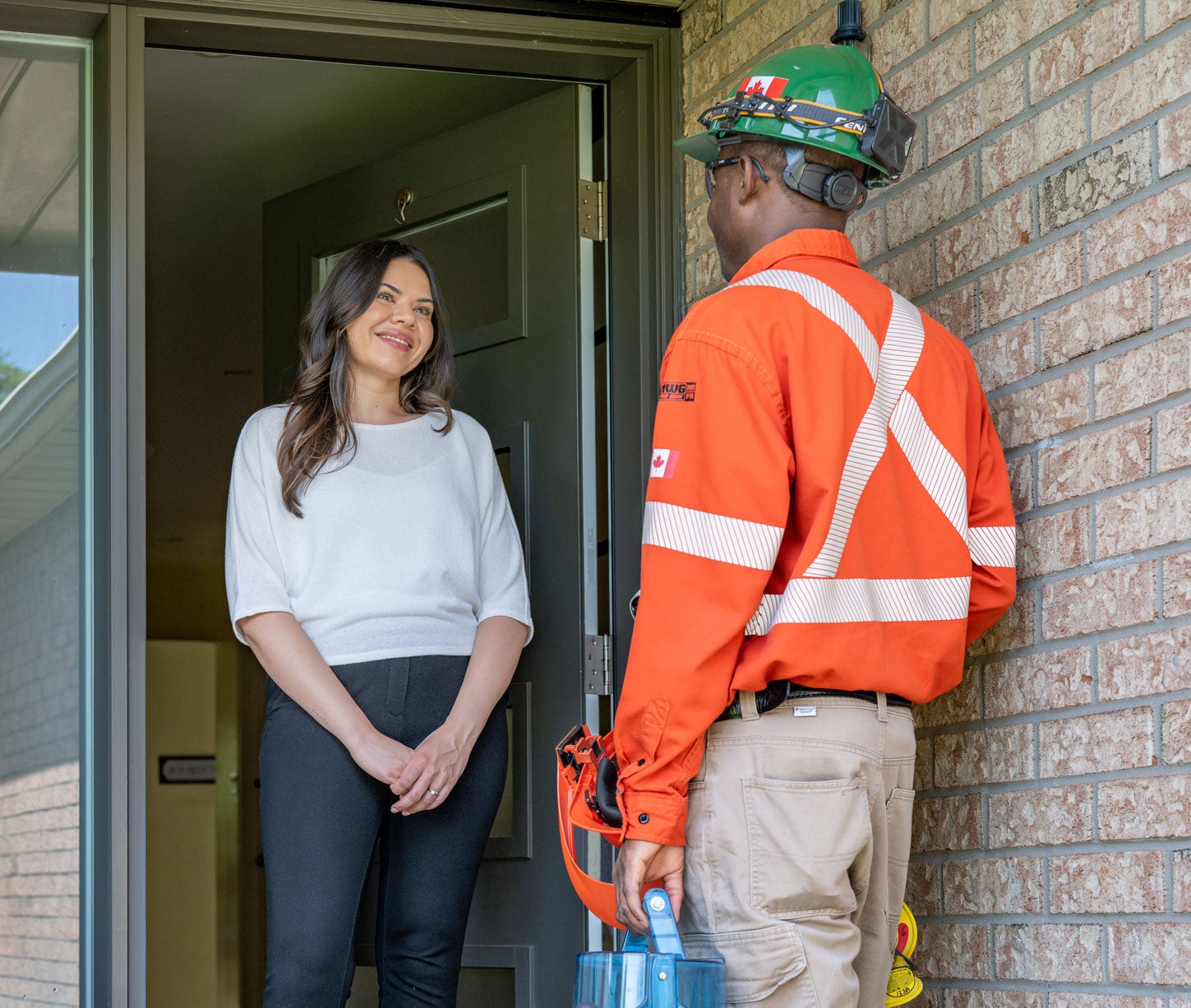
Alectra’s metering agents always carry identification and will knock on your door before starting work.
If you are unsure about anyone visiting your home, call Customer Service at 1-833-253-2872 to confirm they are a legitimate Alectra representative.
What to expect during a meter change
1. Advance notification
Over the next several years, the deployment of replacement meters has been planned neighbourhood by neighbourhood. Customers will receive an email from NoReplyMeterChange@AlectraUtilities.com three weeks before the planned meter replacement in your area. A reminder email will be sent one week prior. To ensure you receive these email notifications, please check and update your contact information in My Alectra.
2. Quick installation
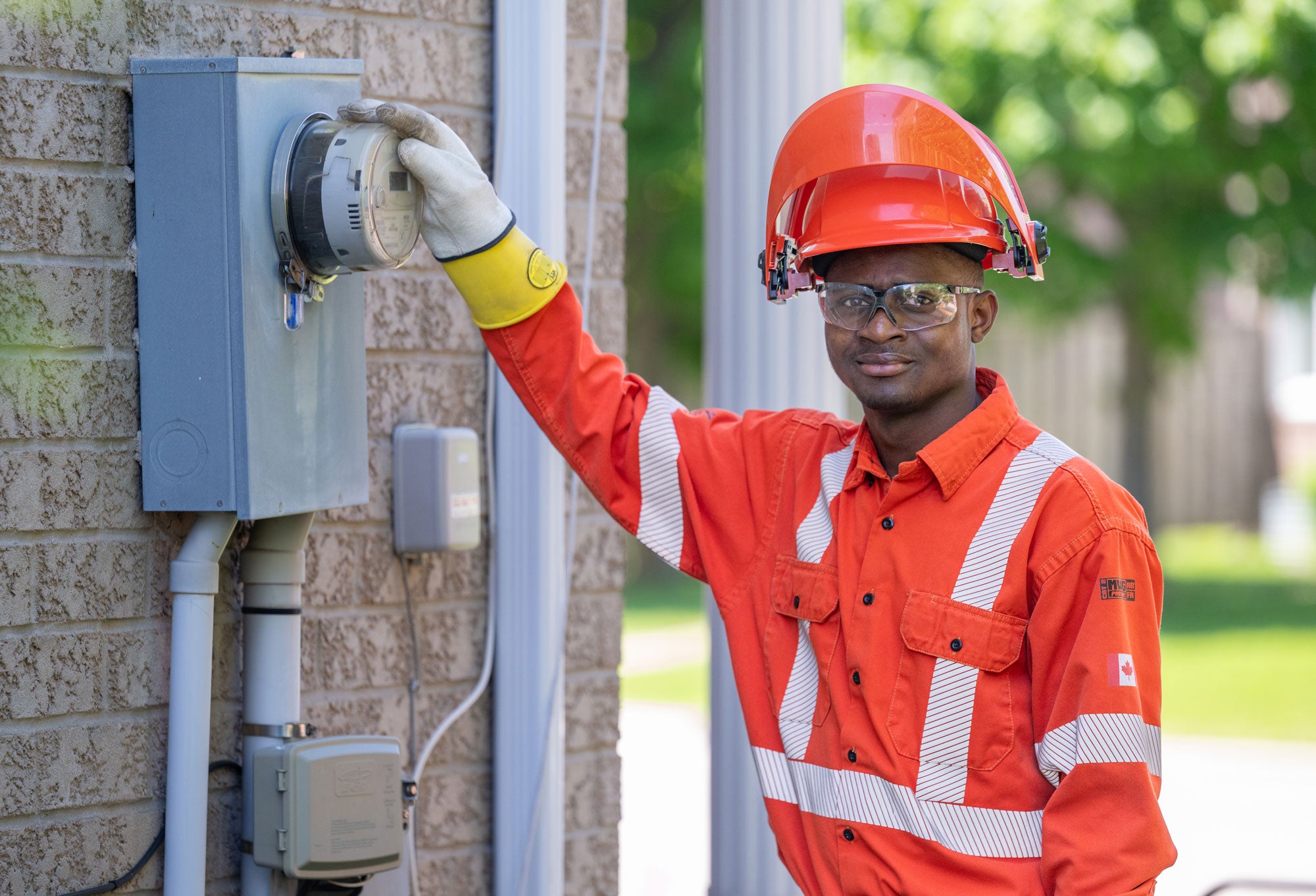
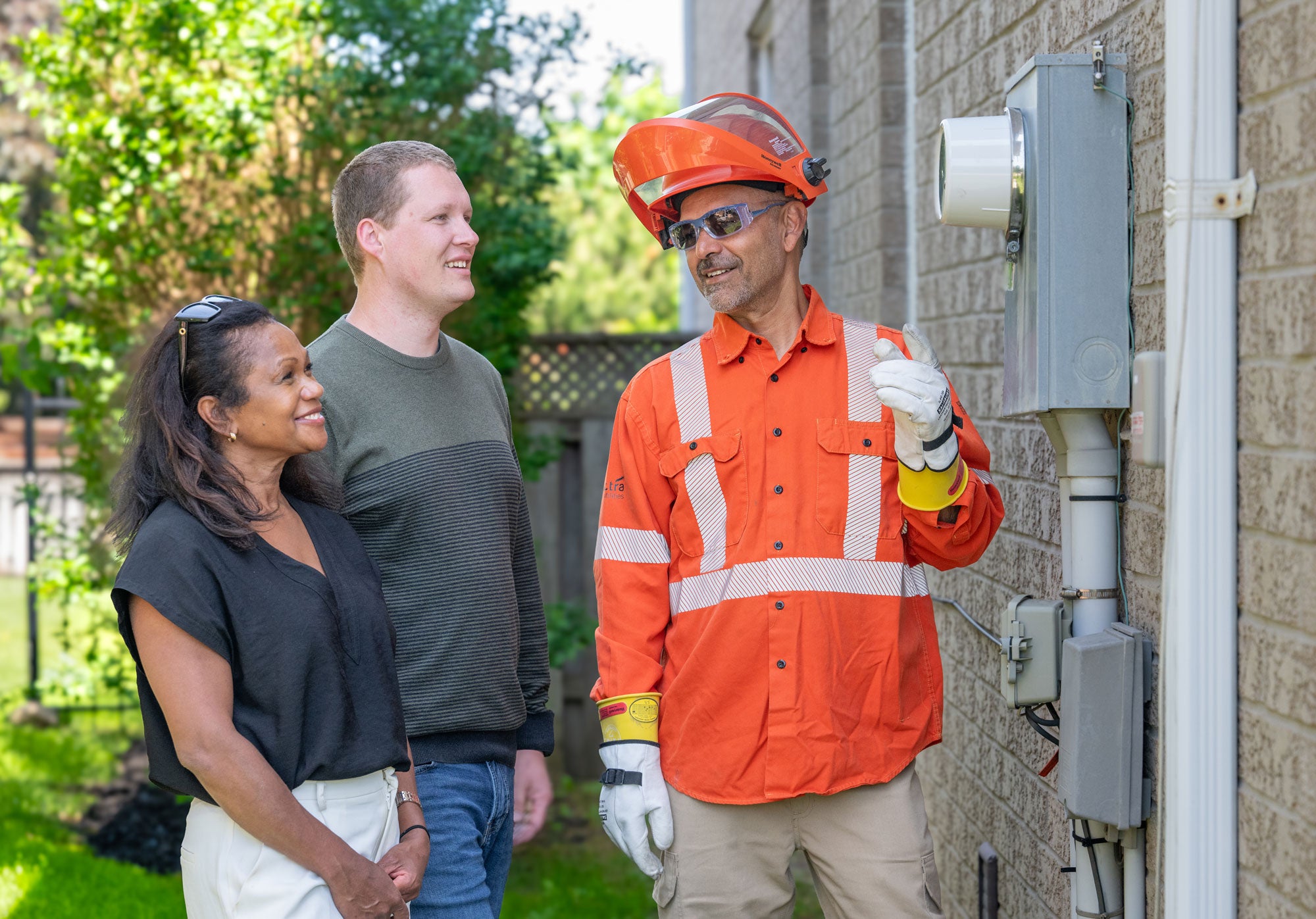
Most meters are located outside your home or building, so you do not need to be present. If you are home, technicians will knock on your door and carry identification.
Power may be briefly interrupted for up to five minutes during the replacement, which usually takes less than 10 minutes.
In some cases, the electricity meter is located inside your home. For inside meter replacements, please ensure an adult 18 years of age or older is available.
3. Safety at zero cost to you
All meters are rigorously tested to comply with Measurement Canada and Health Canada’s safety regulations. The replacement is provided at no cost to you.
4. Confirmation
After the meter is replaced, you will receive an email from Alectra with a link to a short feedback survey.
How to prepare for new meter installation
Residential customers
- Ensure clear access to your meter. Remove snow, pets, or obstacles.
- Save your computer work and prepare for a brief power interruption (usually under five minutes).
- Check clocks, alarms, or devices that may need resetting after installation.
- An adult 18 years of age or older should be available if inside access is required.

Small business customers
- Access should be granted by an authorized representative (owner, manager, or designated employee).
- The crew may require immediate access to meter rooms or other locations and will contact the onsite representative.
- A brief power outage may be required, depending on the meter configuration.


We’re here to help
Our team is ready to answer any questions you may have about your meter replacement.
Call us at 1-833-253-2872, Monday to Friday, 8:30 a.m. – 4:30 p.m.
You can also visit My Alectra to update your contact information or check your account anytime.
Accessing your meter data
Your electricity consumption is measured in kilowatt-hours (kWh).
Understanding your electricity consumption is an important part of choosing your rate option and understanding your energy costs.
You can access your meter data in one of these ways:
My Alectra
- Register for and log in to My Alectra;
- Go to Usage > Usage Overview to view your seasonal, monthly, daily, and hourly electricity usage;
- Select the time range you'd like to view;
- Click on Download Excel to save a copy of your electricity usage and costs.

Green Button solutions
To download your Green Button energy data (electricity usage, billing, and utility account information):
- Go to our Green Button Portal;
- Sign in with information from your bill and validate with your phone number;
- Select the date range and energy data you want to download;
- Download your data in the industry-standardized XML format.
Read your electronic meter manually
Alectra's meters cycle through these main screens:
- Electricity Consumption: When ‘01’ appears in the top left corner, the meter is showing your total electricity consumption since the meter was installed – measured in kilowatt hours.
- Electricity Generation: When ‘02’ appears in the top left corner, the meter is showing the net amount of electricity generated at your home or business if you have small generating units such as solar panels. Visit Connecting Generation for more information about net metering.
- LCD Screen Check: When ‘888888’ appears across the screen, the meter is performing an LCD screen check showing that all segments of the screen are functioning correctly.
- Other screens provide Alectra with configuration, synchronization and system registration status information.
Allow third-party access to your phone line read meter
- Download and complete the third-party access form.
- Email your signed form to MeteringContact@AlectraUtilities.com.
Note: This applies only to large commercial and industrial customers.
Electronic meters are safe and secure
All electronic network meters are tested to comply with Measurement Canada and Health Canada’s safety regulations.
Sometimes called “smart meters”, electronic meters are safe and do not pose health risks. The meters use non-ionizing low-level radio frequency (RF) to collect and transmit data. The meters emit less than 1% of Health Canada’s RF limits and transmit for only a few seconds per hour.
Non-ionizing radiation can come from natural and artificial sources. It does not have enough energy to alter cells. Examples include lightning, light and heat from the sun, wireless devices such as cell phones, smart watches, and wi-fi equipment, and lighting such as LED and fluorescent bulbs.
Health Canada governs radio frequency exposure guidelines. For more information, go to Canada.ca and search for “smart meters”, or follow the links below.
- Smart meters: Everyday things that emit radiation
- Understanding Safety Code 6: Health Canada's radiofrequency exposure guidelines
Electronic meters are read wirelessly, limiting the time that Alectra agents need to be at your property.
The meter infrastructure and your metering data are kept secure through enhanced cyber security controls including encryption and security protocols.